Examples made with the tool
These are screenshots of the 3D preview, exactly as the tool shows them before downloading. Each one uses a different pair of fonts and one of the ready-made palettes.
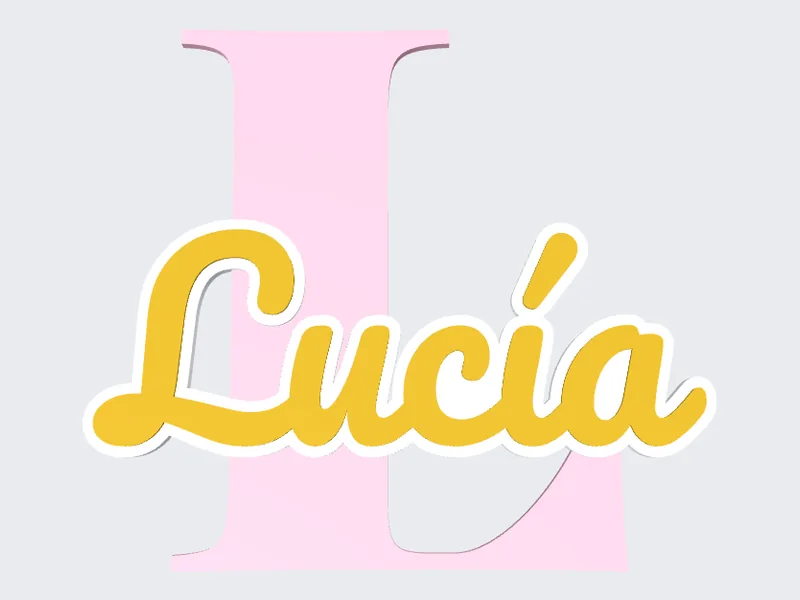
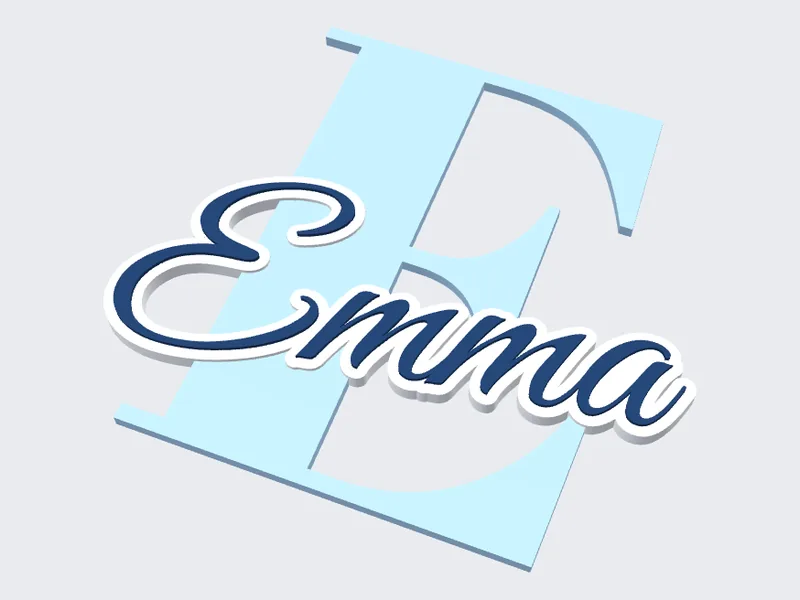
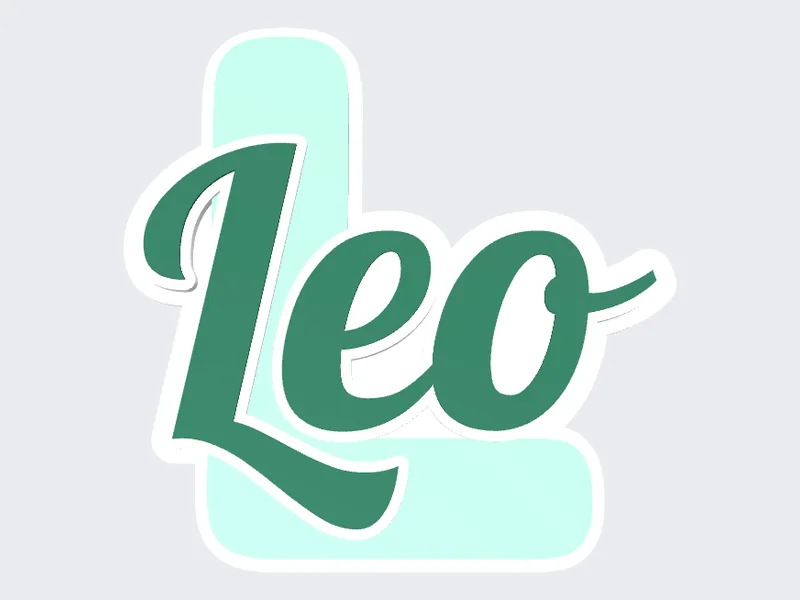
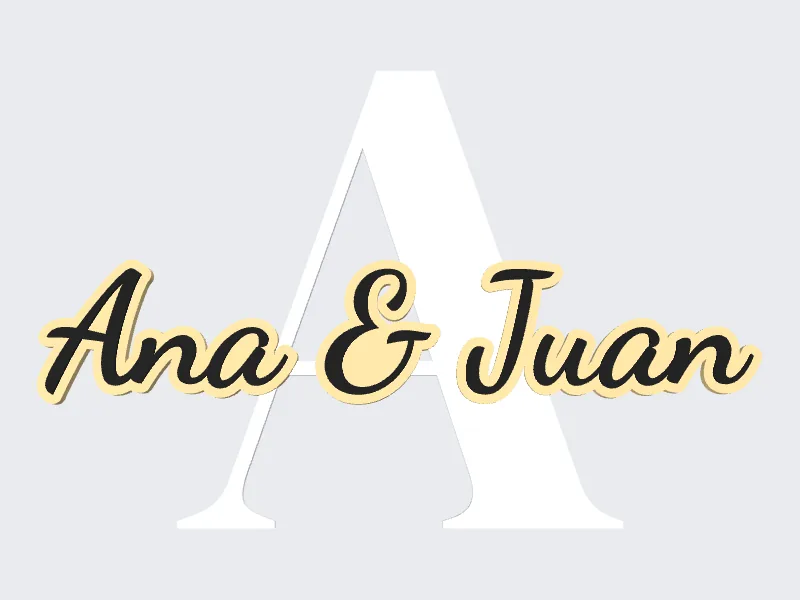
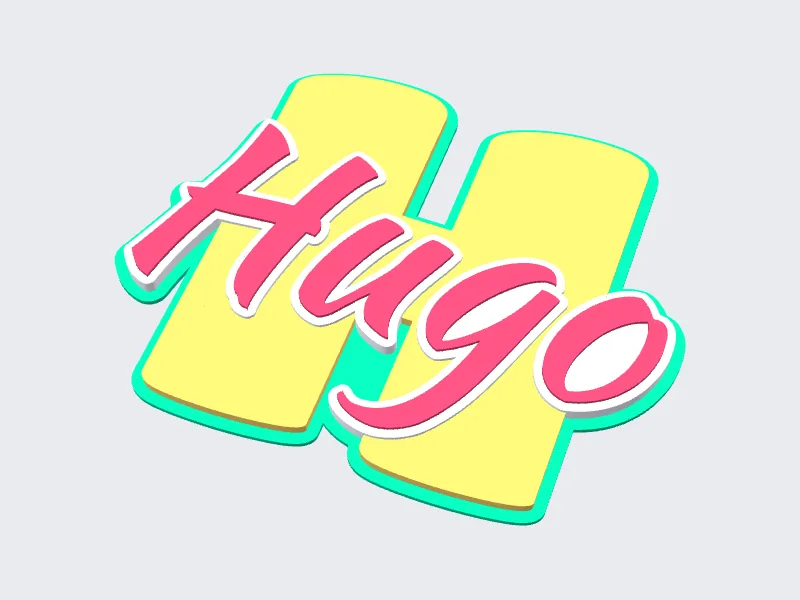
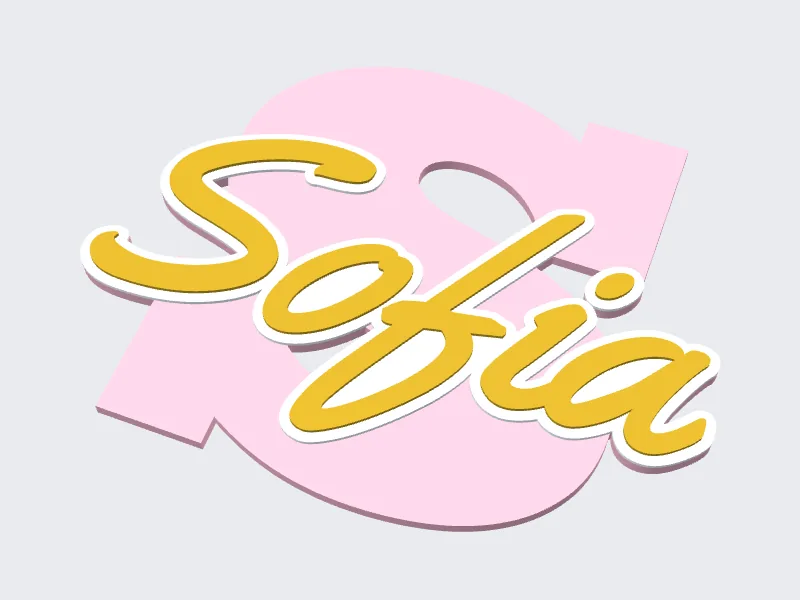
A big letter with the name written over it in a script font and an outline that makes it stand out. Type the name, pick the fonts and colors and download a multicolor 3MF or a single STL with the color changes already worked out.
▶ Make my sign — FreeDesign and download in seconds. No CAD experience needed.
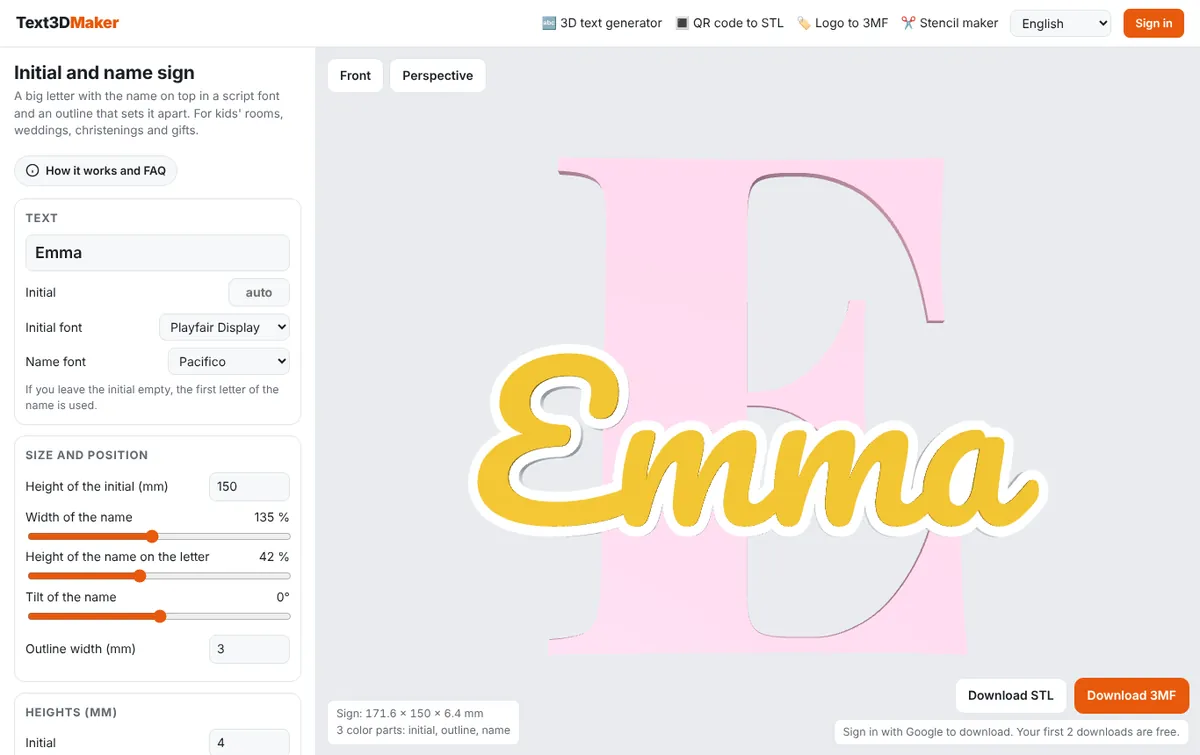
The initial is taken from the first letter of the name, or you can type a different one. Choose a font for the letter (Playfair Display, Abril Fatface, Ultra…) and a script font for the name (Pacifico, Great Vibes, Dancing Script…).
Set the height of the letter, how wide the name is, how high it sits on the letter and its tilt. Pick a palette or your own four colors and, if you want, a back plate that follows the outline.
With an AMS or several extruders, download the 3MF: each part arrives with its color and filament slot assigned. With a single extruder, download the STL and add the two filament changes at the heights the tool shows you.
These are screenshots of the 3D preview, exactly as the tool shows them before downloading. Each one uses a different pair of fonts and one of the ready-made palettes.
On the left you type the name and choose fonts, size, heights and colors. On the right you see the sign in 3D and turn it with the mouse or your finger. Underneath it tells you the final size and, in single-extruder mode, the heights for the filament changes.
More tools for your printer: the 3D text generator, door signs and letter stencils.